
FlipSight APK for devices without Google Play (v2.0.3)
Page info


Content
For users who can't install FlipSight from Google Play (e.g. devices without Google Mobile Services), here is the official APK.
Please note:
- This build is signed with a different key than the Play Store version, so the
two are not interchangeable. If you already have the Play version installed, uninstall it first — you also won't be able to update between them later.
- Google-dependent features are disabled in this build: Google sign-in, push notifications, and in-app purchases. You can still sign in with an ID/password account or with Apple.
- Everything else — online play, puzzles, analysis — works the same.
I can't test on a GMS-free device myself, so feedback is very welcome.
Thank you,
2026.10.31 v2.0.3 - The othelloclub logo now appears when the app reloads after returning from the background.
2026.10.25 v2.0 - New layout design and optimized online game processing.
2026.10.21 v1.4.47 - Fixed bugs in the search engine.
2026.10.17 v1.4.46 - Improved engine analysis speed on some devices.
2026.10.10 v1.4.45 - Notifications now appear even while the app is open. Improved sound playback.
-
Attachment11 downloadsUploaded on 2026.10.31 16:34
Reply Comment by Cabalero
Comment by Eklos

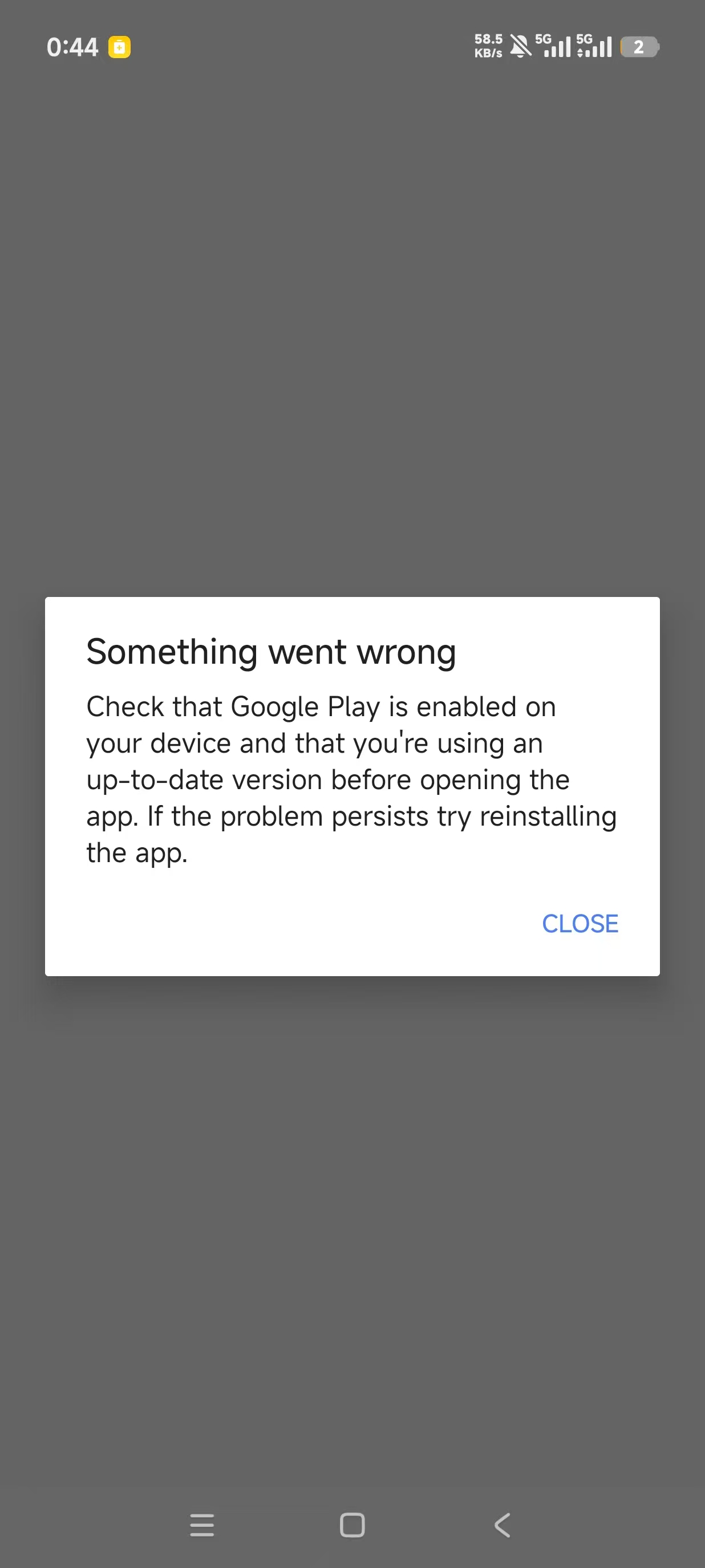
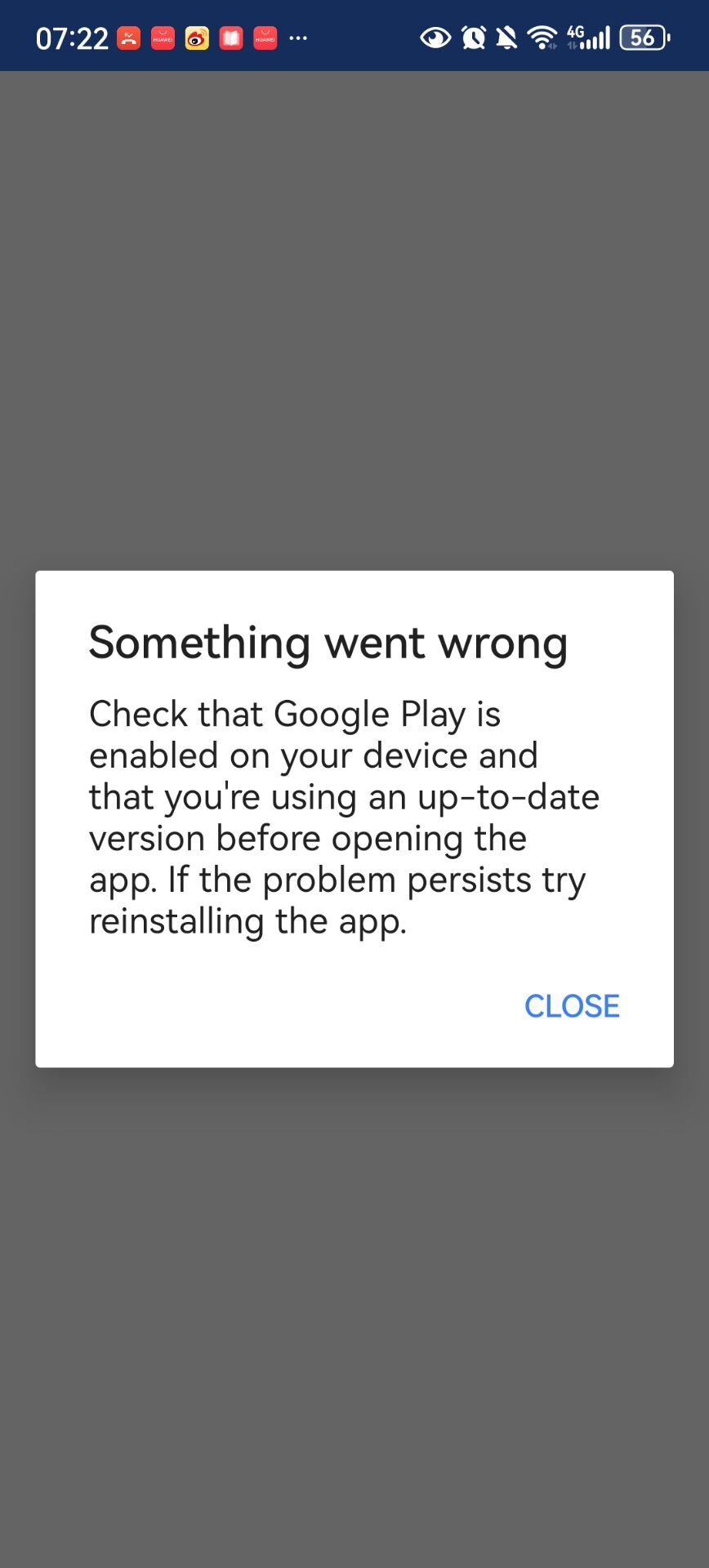
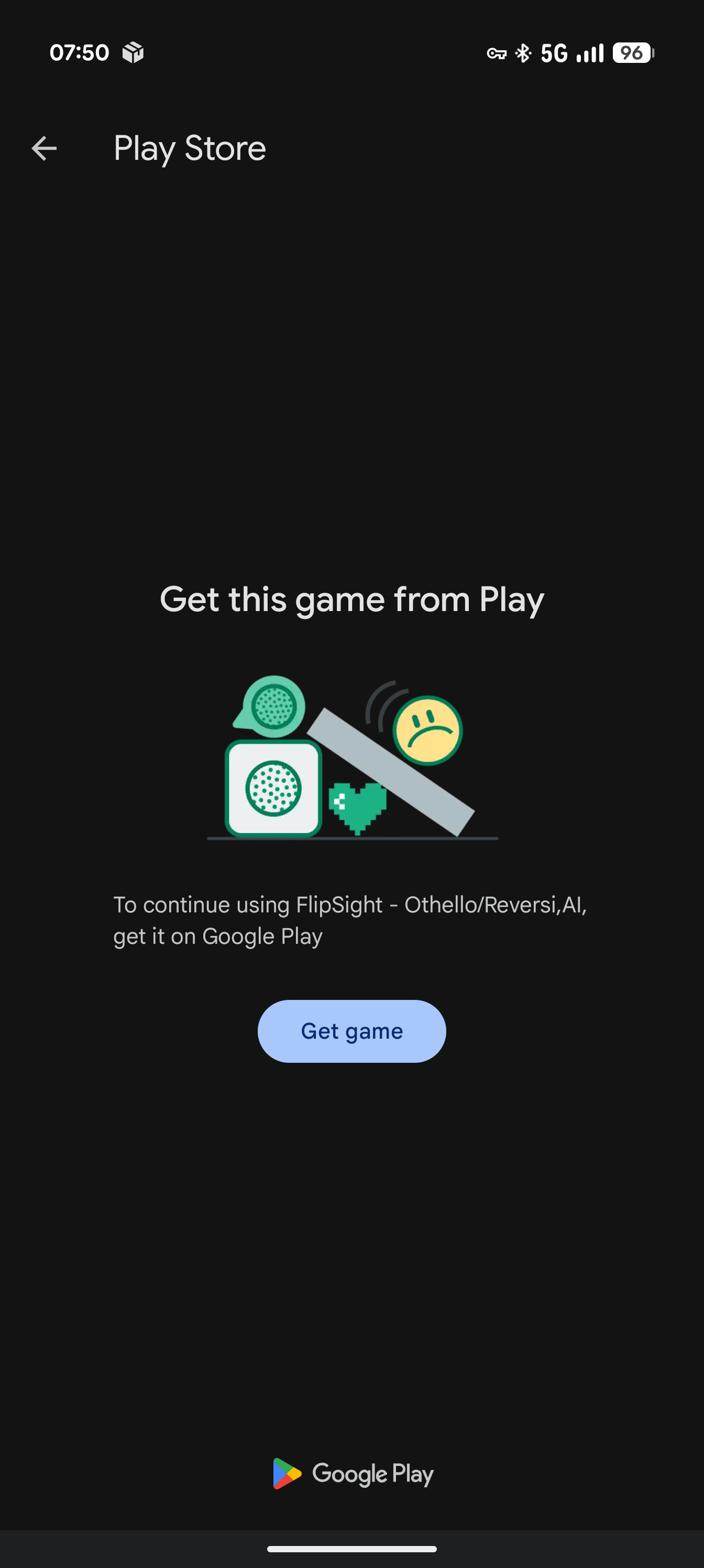
I sent the APK to some othello friends, but most of them encountered this issue after installation (P1, P2). Clicking close exits directly to the main screen. Also, when I installed and opened it, it directly showed a Google Play prompt (P3). Therefore, I assume the root cause is the built-in Google Play Integrity API (or Pairip) integrity check, which strictly validates the installation channel signature and the Google Services Framework (GMS). This causes devices in regions without Google services to fail verification and crash.
Reply Comment by Cabalero
This build skips Play entirely, and hides Google sign-in, push, and in-app purchase when Google services are missing.
Uninstall the previous version first (different signing key). Updates won't come via Play
— I'll post new versions here.
Let me know if it launches!

Comment by Eklos